Remote pilot · clear scope

Design for additive manufacturing

Every variant
print-ready.

Wall thickness, clearance and overhang angle sit in the model as rules. Change a dimension and the geometry recalculates — as a watertight solid that goes into the slicer without repair. Colleagues, customers and production pull their own version straight from the browser.

01Variant in minuteschange a parameter, the geometry recalculates
02Print rules in the modelwall thickness, clearance and overhang as rules
03Straight into the slicerSTL, 3MF and STEP without repair
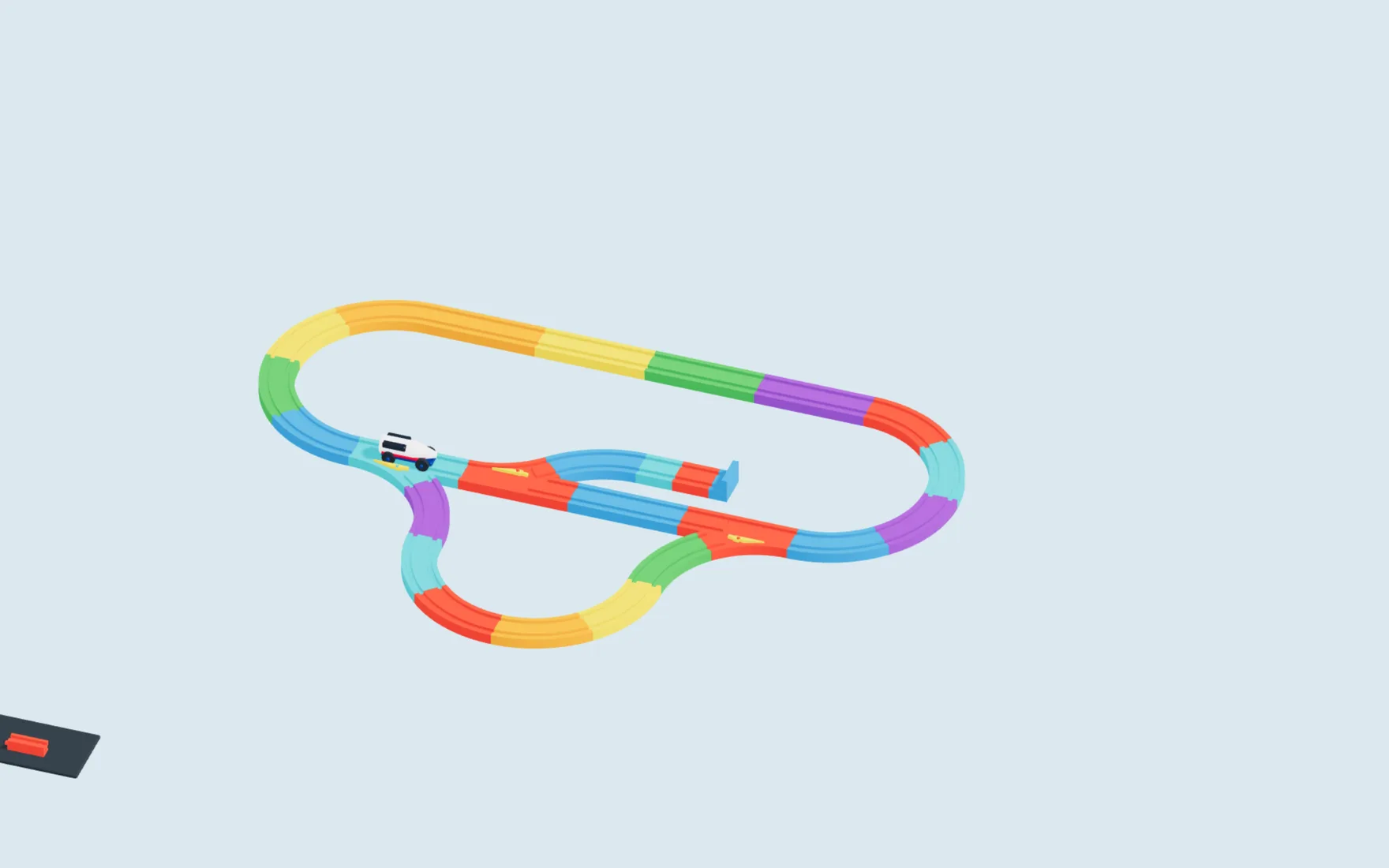
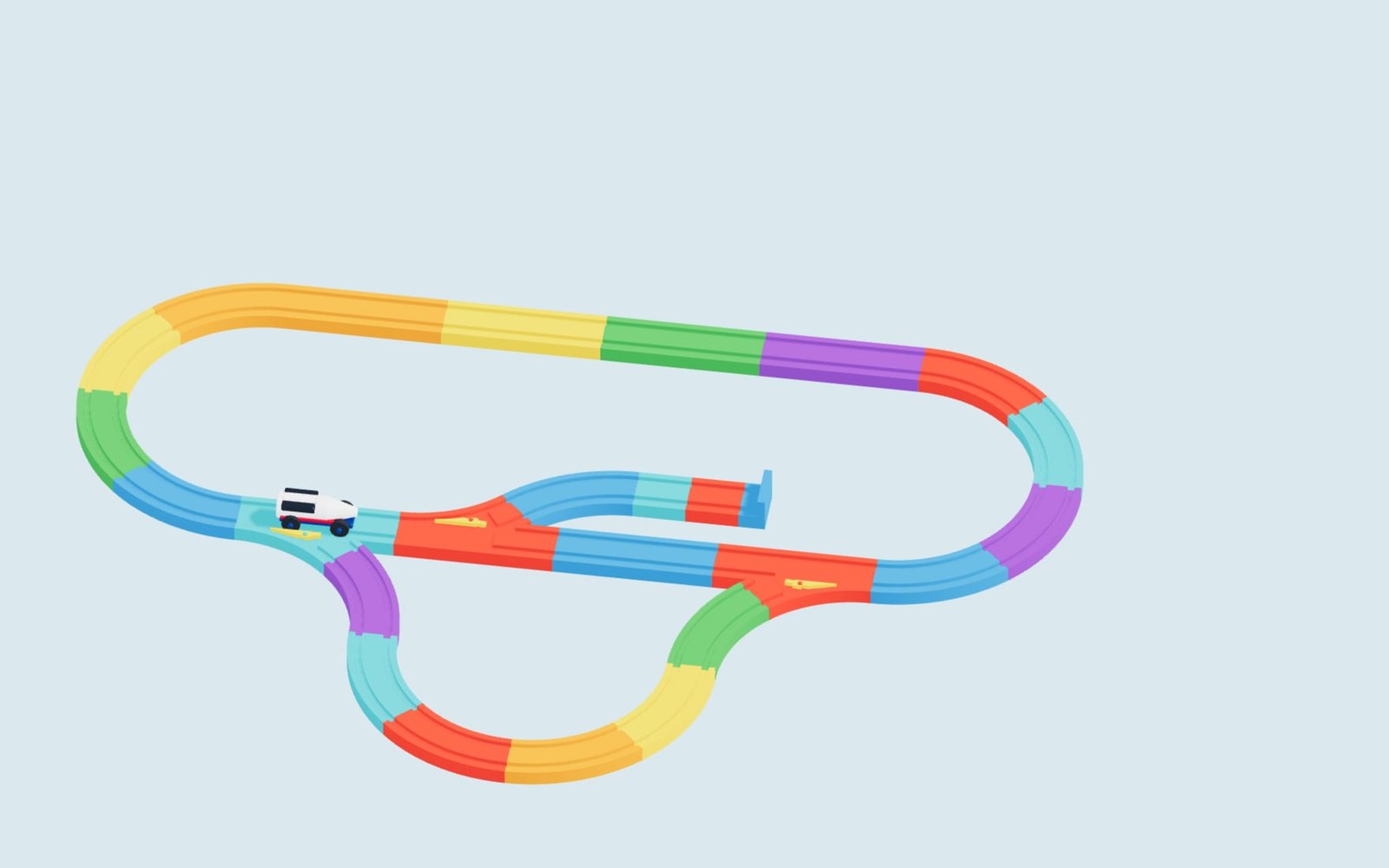
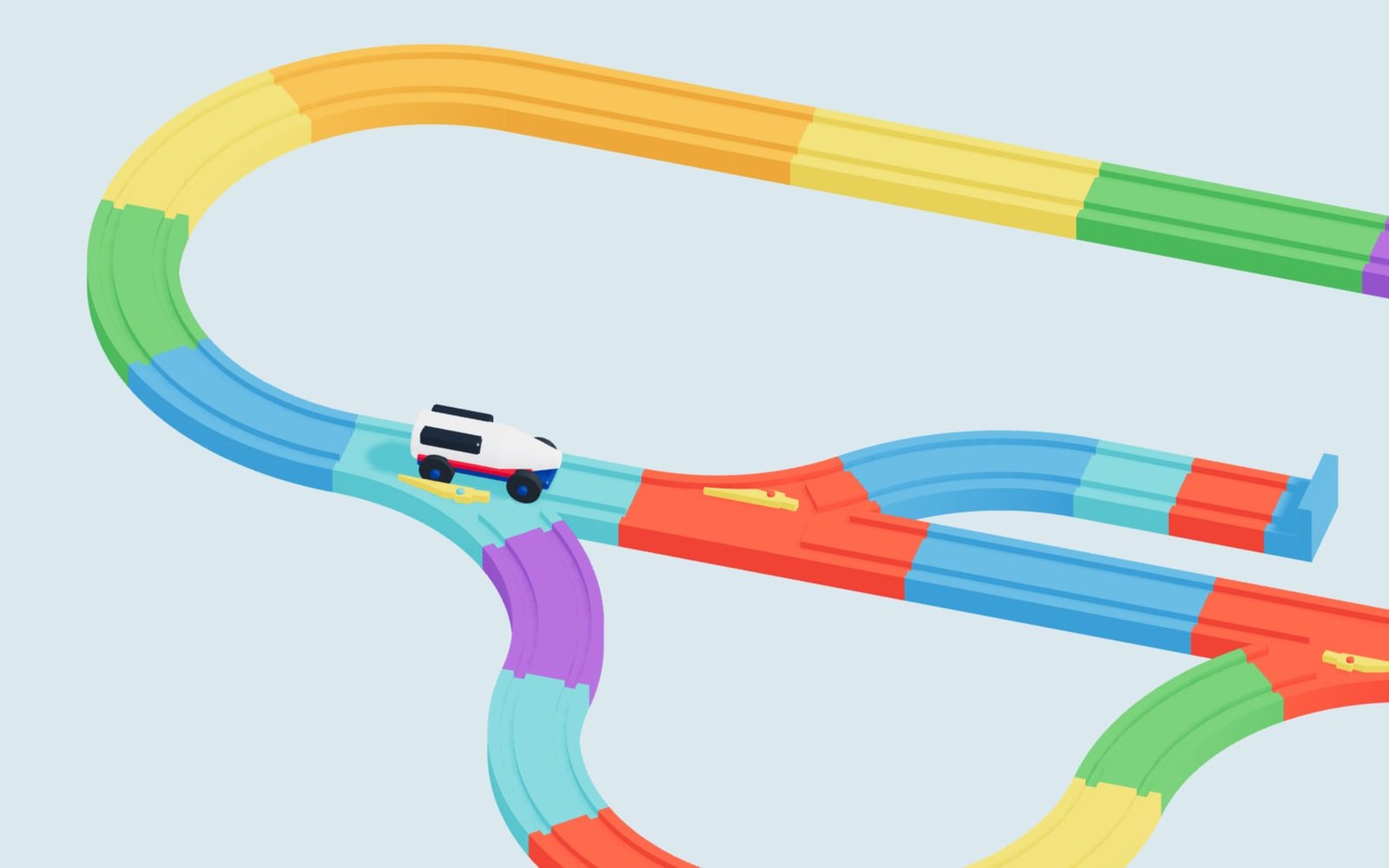
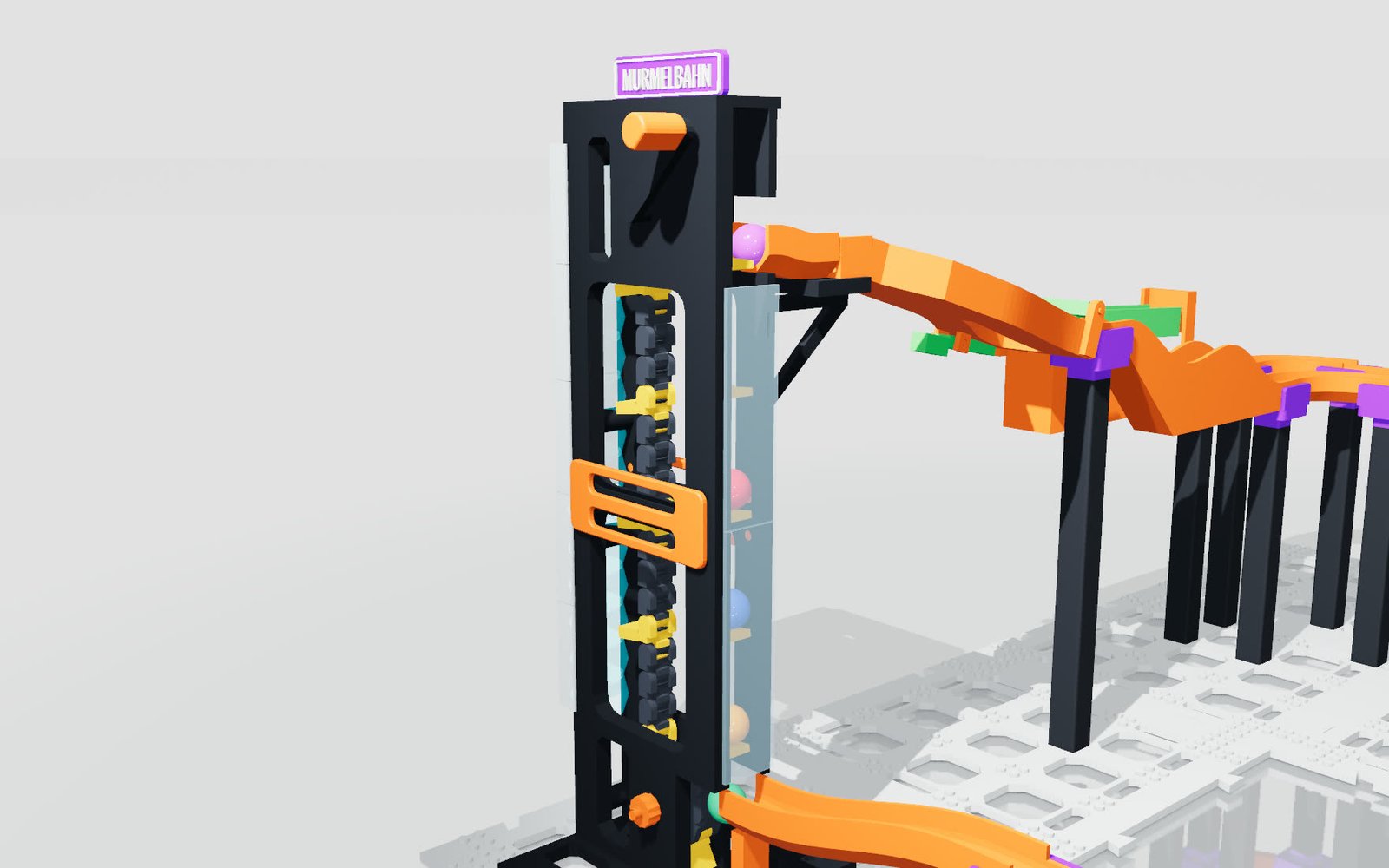
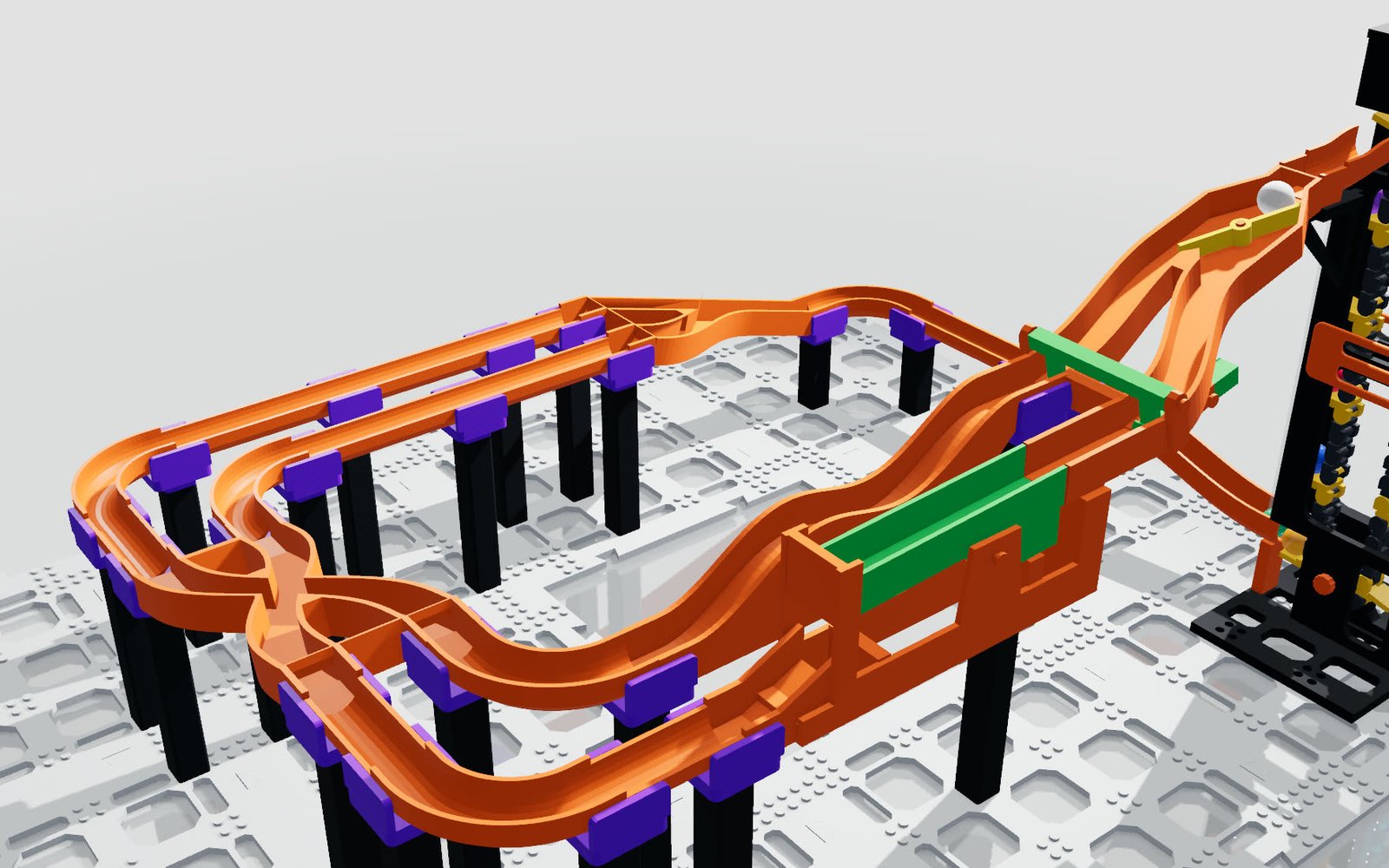
Parametrically designed modular marble run as a 3D printing assembly
engineering.your-company.com/printed-parts MODULE GRID 140 mm
PRINT CLEARANCE 0.30 mm/side
WALL THICKNESS 2.4 mm
Built for
Functional prototypesJigs & fixturesSpares and short runsConfigurable printed products

Z 01 EXAMPLE

Printed projects
that recalculate.

Two complete printed products rather than demo objects: a modular marble run whose elevator, switch and helix are real mechanics, and a drive chain that comes off the build plate already articulated. Both take their fits from parameters instead of rework.

01
KINETIC PRINT PROJECT

Modular marble run

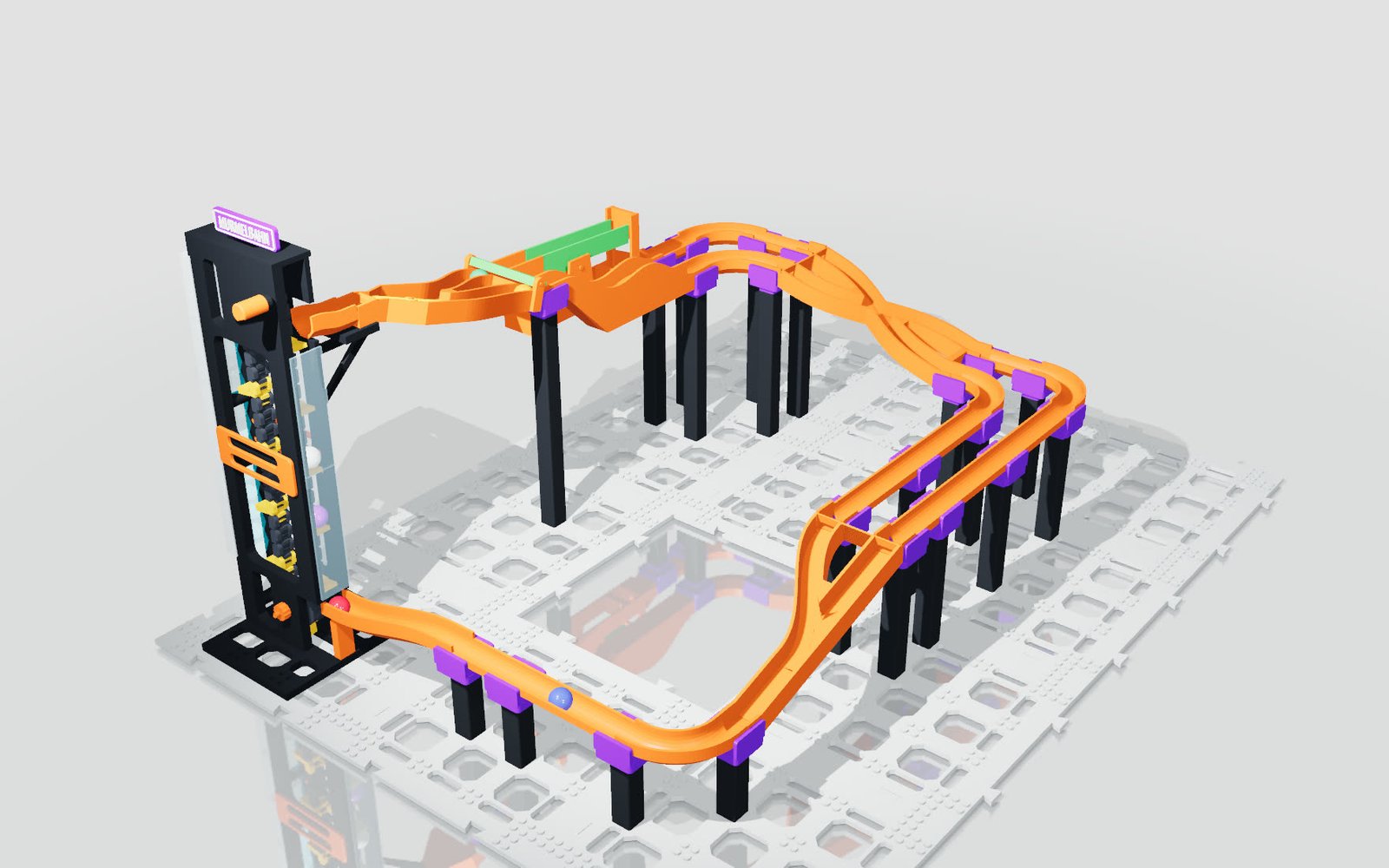
Ball diameter, module grid, track width, helix turns and elevator height are parameters. Print clearance acts on every clip connector at once — the run works in the browser before the first print starts.

  • Module grid 120–180 mm, ball ⌀ 16–24 mm
  • Print clearance 0.20–0.50 mm per side
  • Chain elevator, switch, helix and loop as mechanics
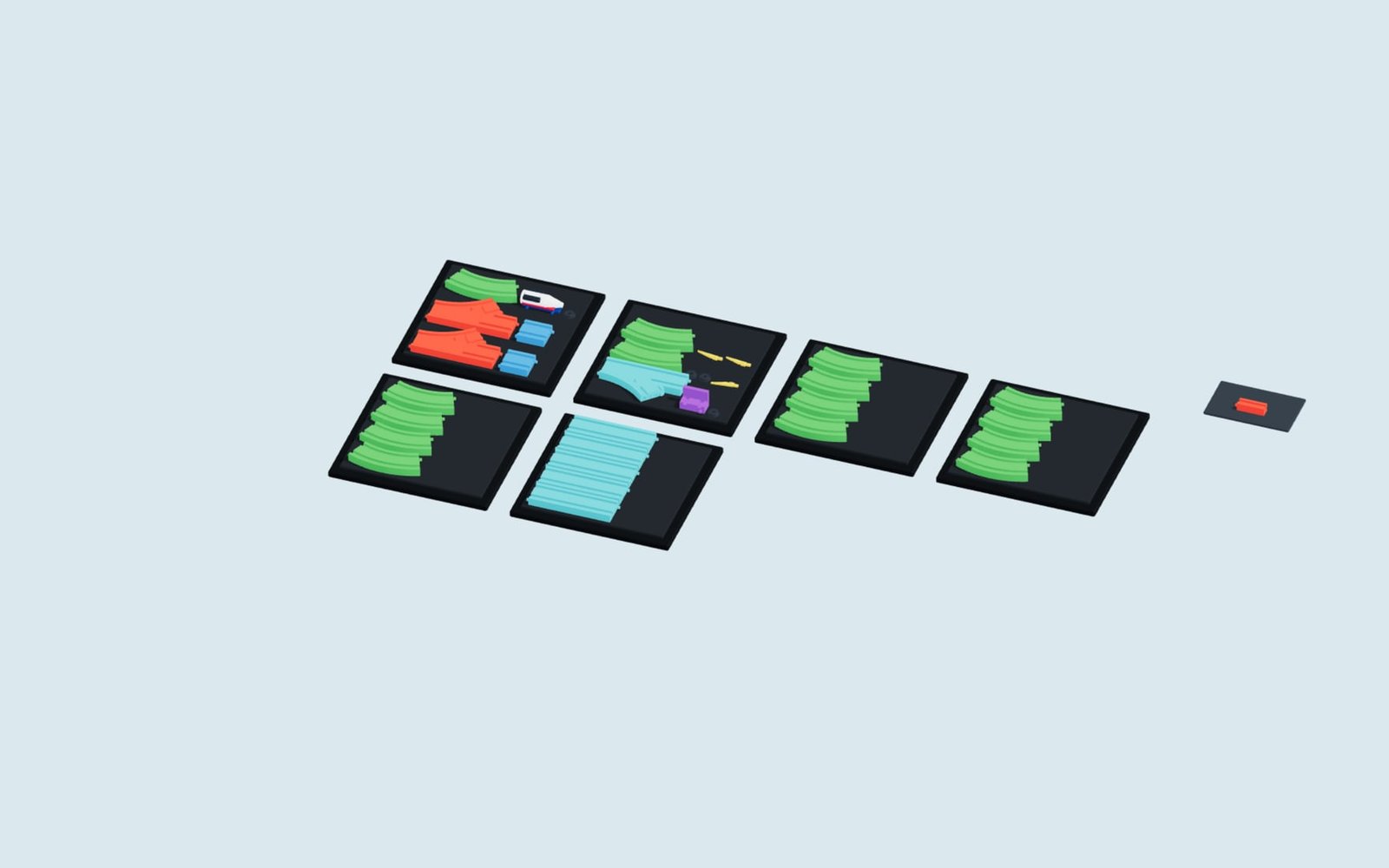
  • Every module prints on its own
Configure live
02
ARTICULATED OFF THE PLATE

Print-in-place drive chain

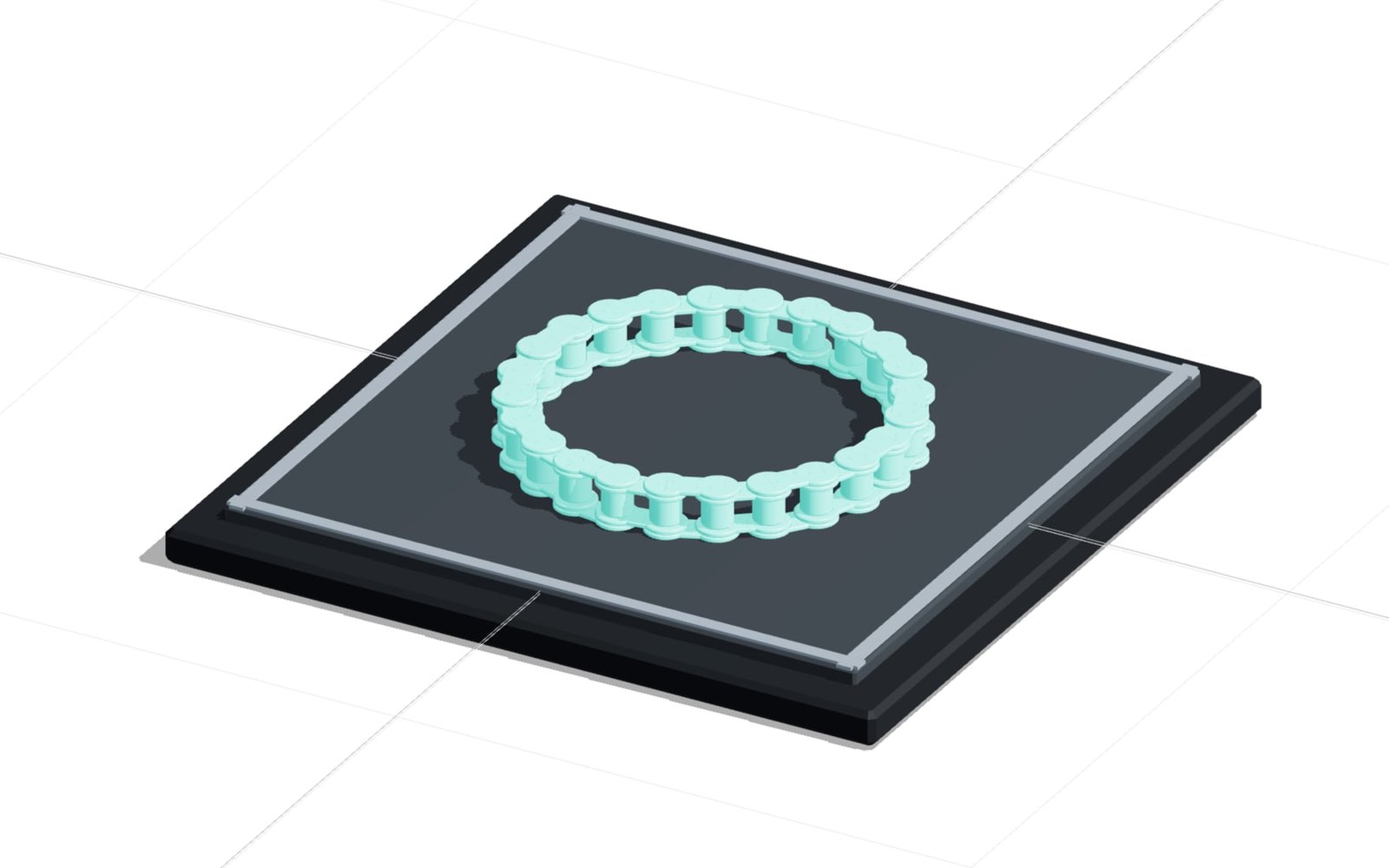
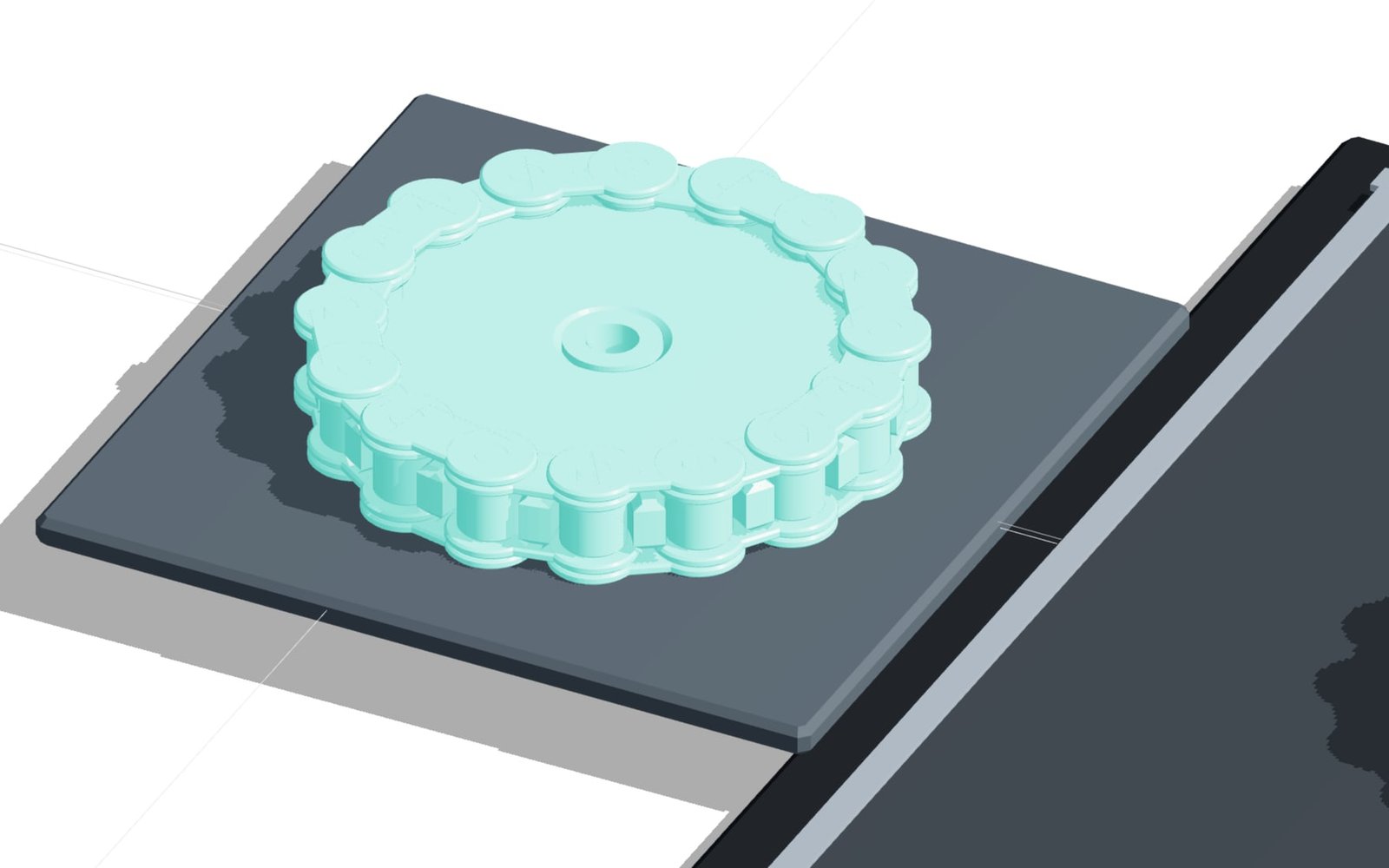
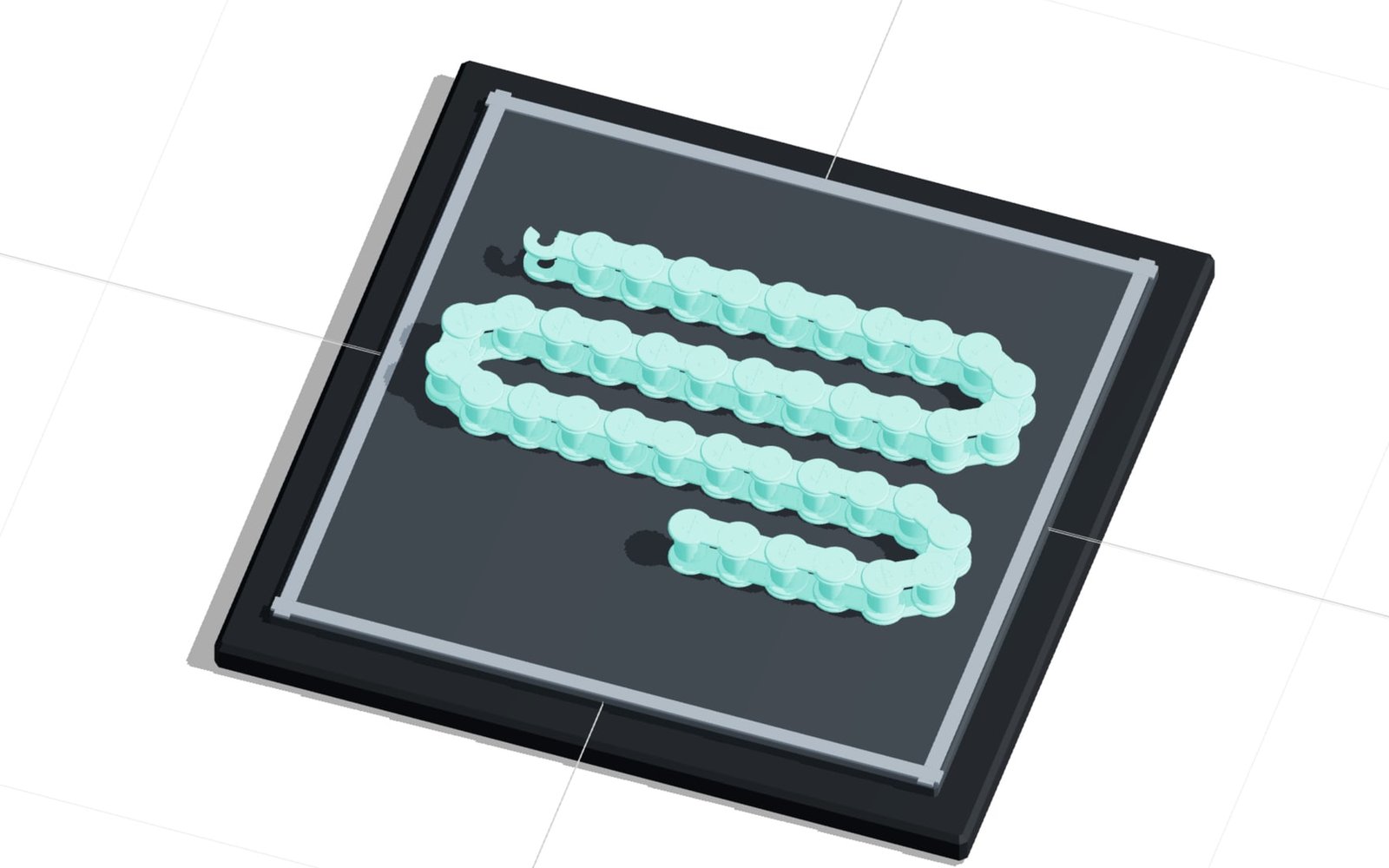
A roller chain built like the real thing: two outer plates joined by through pins, two inner plates between them, rollers in the tooth slot. Chain size follows DIN 8187 — the generated sprocket uses the DIN 8196 tooth form, and the printed chain also runs on a commercial sprocket of that size.

  • Chain sizes 06B to 24B, 6 to 60 links
  • Joint clearance 0.20–0.50 mm, separation gap in layers
  • Fits the plate as a loop? Then it prints closed
  • Chains too long for that fold into a meander
Configure live

Z 02 FROM PARAMETER TO PRINT FILE

Model less.
Print more.

The expensive time in 3D printing rarely sits in the printer. It sits in remodelling every size, in repairing meshes, and in the second print because the fit came out too tight. A parametric model settles all three once.

01PARAMETERISE THE PART

Dimensions, grids and interfaces go in as parameters — the part follows from them instead of being redrawn for every size.

02SET THE PRINT RULES

Wall thickness, running clearance, overhang angle and minimum radii are rules inside the model. They apply to every variant without anyone having to remember them.

03PULL THE VERSION YOU NEED

Every version delivers watertight solids: STL and 3MF for the slicer, STEP for CAD, a parts list for procurement.

RESULT FOR ENGINEERING

A file that prints — not one that has to be repaired first.

No mesh patching, no re-measuring fits, no forest of variant files. The geometry comes out of rules that were set correctly once.

  • Watertight solids for STL and 3MF
  • Clearance and wall thickness as a checked rule
  • STEP, parts list and parameters for CAD and ERP
Map this workflow

Z 04 FROM ENGINEERING PRACTICE

From a parameter
to a printed part.

confBuild builds printed products as connected assemblies. Change one dimension and mounts, connectors, brackets and the parts list follow — with nobody remodelling anything.

Model structureParametric printed assembly
VariantsSize, clearance, route, height
OutputSTL, 3MF, STEP, BOM
Your partas the next pilot

Z 05 CAD KERNEL

Not a mesh remix.
Real parametric
geometry.

The confBuild CAD kernel calculates solids from parameters and design rules — with real fillets, chamfers, bores and threads. Not a mesh remix from a parts library, but geometry that reaches the slicer watertight and production dimensionally correct.

INPUTPart dimensionsClearance & wallProcessInterfaces

See the geometry live
Helix and chain elevator as printed functional geometry
01

Watertight

Solids, not patched-up meshes — the export slices without repair steps.

02

Print-aware

Wall thickness, clearance and overhang follow the rules you set once.

03

Useful downstream

STL, 3MF, STEP and a parts list feed slicer, CAD and production.

04

Browser-native

Interactive 3D without a local CAD installation.

Z 06 PARTS THE TEAM KEEPS REUSING

Built once.
Printable by anyone.

A parametric part — bracket, enclosure, fixture — is available to everyone in the browser: enter your own dimensions, download the print file, print. No CAD licence and no variant folder to maintain on a shared drive.

01

Parameterise the part

A part is described once with its design and print rules instead of being maintained across twenty variant files.

02

Share it with the team

A link is enough: colleagues, suppliers and customers open the part in the browser.

03

Enter your dimensions

Everyone sets the dimensions they need — the rules for wall thickness and clearance stay in force.

04

Download the print file

STL, 3MF and STEP go straight into slicer and CAD, with no repair step in between.

Z 07 MORE THAN A QUICK PREVIEW

A tool for
engineering.

Design, review and print file come out of the same parametric model — from the first part to your own catalogue.

01

Variants without remodelling

One parameter change produces the new size — including mounts, connectors and parts list.

02

Print rules that hold

Wall thickness, clearance and overhang angle apply to every version, not just the one drawn first.

03

Share parts

Colleagues, suppliers and customers open the part in the browser, with no CAD workstation.

04

Reuse the data

STL, 3MF, STEP, parts list and parameters carry on into slicer, CAD, ERP and production.

Z 08 FOCUSED REMOTE PILOT

One part.
Clear scope.

01

Pick a part family

We take a part that keeps getting printed in new sizes at your place.

02

Build it parametrically

We map geometry, print rules and output as a focused prototype.

03

Sharpen it in daily use

Your team works with it; the rules get sharpened on real prints.

Ready for parts that fit first time?

The next variant calculates itself.

Arrange a first callIn 20 minutes we find the part that gets redrawn most often at your place.

Remote · Directly with the developer

Contact

Request a no-obligation consultation

Briefly describe your product or assembly – you will get a reply within one business day.

Prefer plain email? daniel@confbuild.com

A service by confbuild.com – parametric 3D configurators for your product.

By submitting you agree that your details are processed to handle this request. Details in the privacy policy.

Book a call

Pick a time that suits you

Choose a free 30-minute slot. You get a calendar invitation right away – no sign-up, no back and forth.

  • 30 minutes
  • Video call or phone
  • Mon–Fri, 10–12 and 14–18 (CET/CEST)
  • Free, no strings attached

Prefer to write? Go to the contact form

Loading available times …